Record
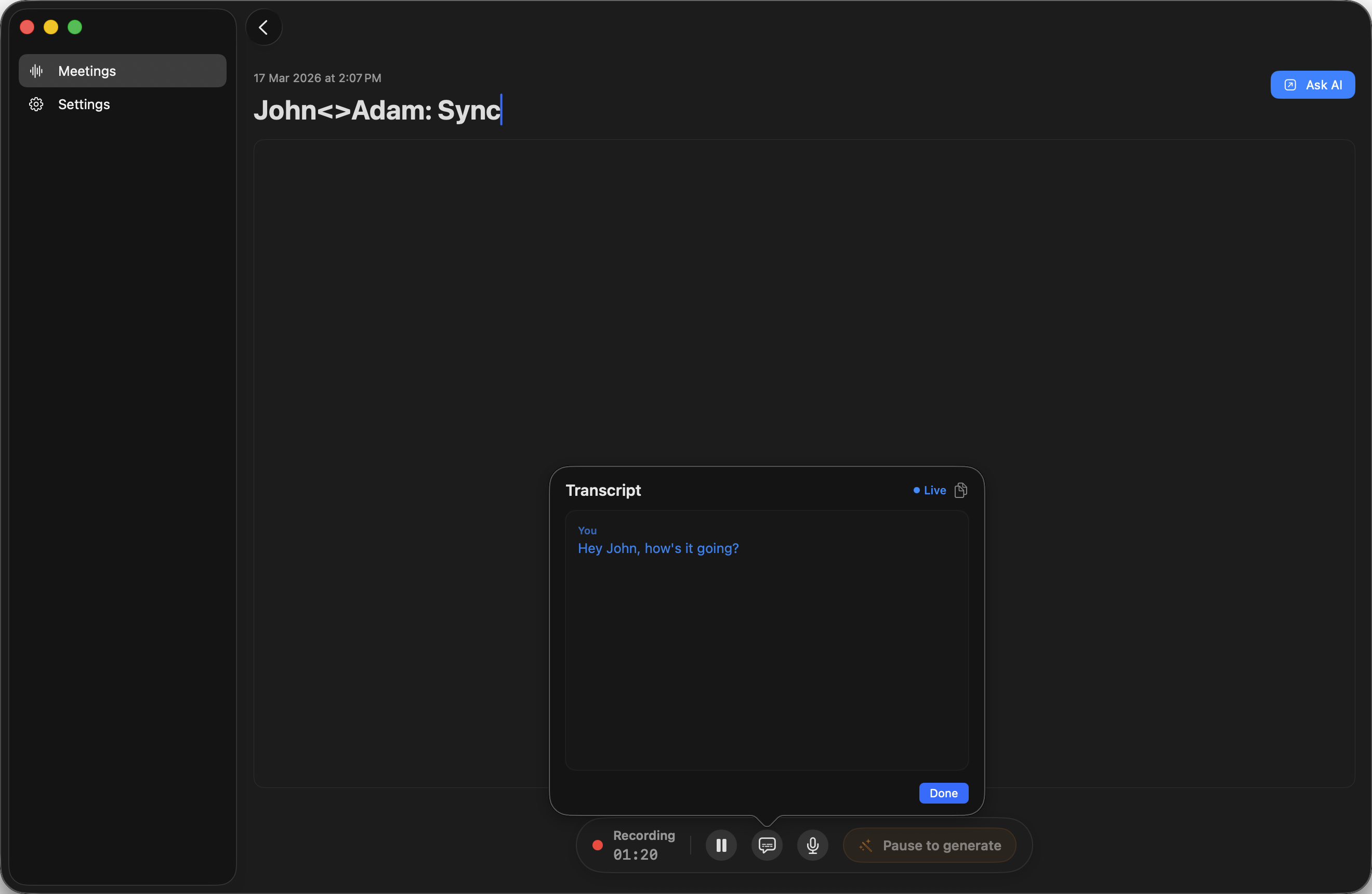
Hit record during any call or in-person meeting. Audio stays on your Mac, never uploaded.
Native macOS app
Record, transcribe, summarize. Everything stays local.
How it works
Hit record during any call or in-person meeting. Audio stays on your Mac, never uploaded.
Get a full transcript processed on-device. No cloud round-trip.
AI turns the transcript into structured notes. Apple Intelligence, a local model, or a cloud API.
Comparison
Capability
SessionScribe
Typical cloud note takers
Setup
Install, set up, use
Accounts, dashboards, extra services
Summaries
Apple Intelligence, local models, or optional cloud APIs
Cloud AI processes your conversations
Where data lives
On your Mac. Never uploaded.
Stored and processed on vendor servers
Compliance review
Data stays on-device, less to review
Requires vendor data-handling review
User experience
Mac app, minimal setup
Web-based, more setup
Pricing
One-time $19 license
Monthly or annual subscriptions
Apple Intelligence requires a compatible Mac. Local models via Ollama or LM Studio work on any Mac. Cloud APIs send data to the provider.
No subscription. No cloud storage.
One purchase. Native Mac app. Data stays on your device.
FAQ
No. Install, allow mic access, and start recording. Summaries work out of the box with Apple Intelligence on supported Macs.
Apple Intelligence on compatible Macs, local models via Ollama or LM Studio, or cloud APIs from OpenAI or OpenRouter. Local options keep everything on-device. Cloud APIs send transcript data to the provider.
Yes, locally on your Mac. Recordings, transcripts, and notes stay on your device. Nothing is uploaded.
Everything stays on your Mac, so there's less to worry about. Still confirm it fits your own compliance needs.
Yes. The product is meant to feel familiar and requires no technical setup.
Yes, there is a 3-day free trial with full functionality.
Yes, you can request a refund within 30 days by emailing support@sessionscribe.app.
Yes. SessionScribe is built specifically for macOS.